How to Register as a Salesperson
This guide walks you through the steps to register as a salesperson in the Remax Dealer system via LINE.
Add Remax Dealer as a Friend
Before registering, you need to add the Remax Dealer LINE Official Account as a friend.
Step 1: Search for the LINE OA
Open LINE → Add Friend → Search → Select LINE ID → Type @remaxdealer
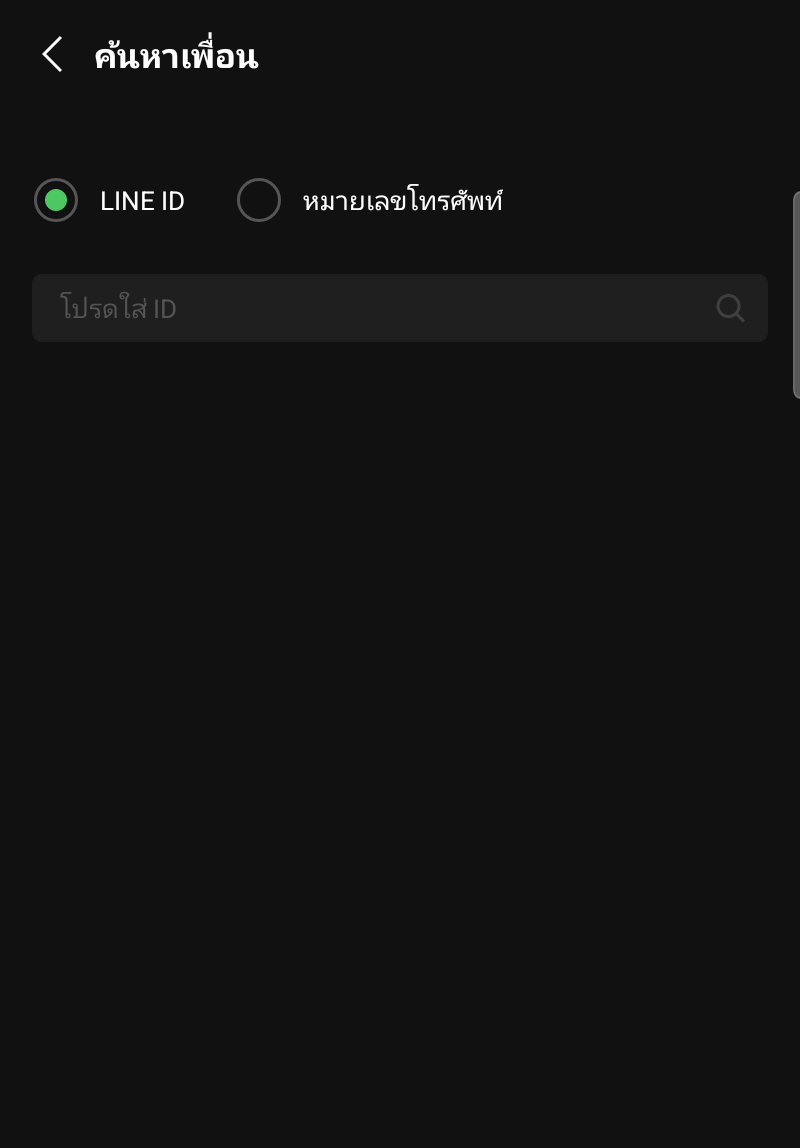
Step 2: Add Friend
When you find the Remax Dealer account, tap "Add"
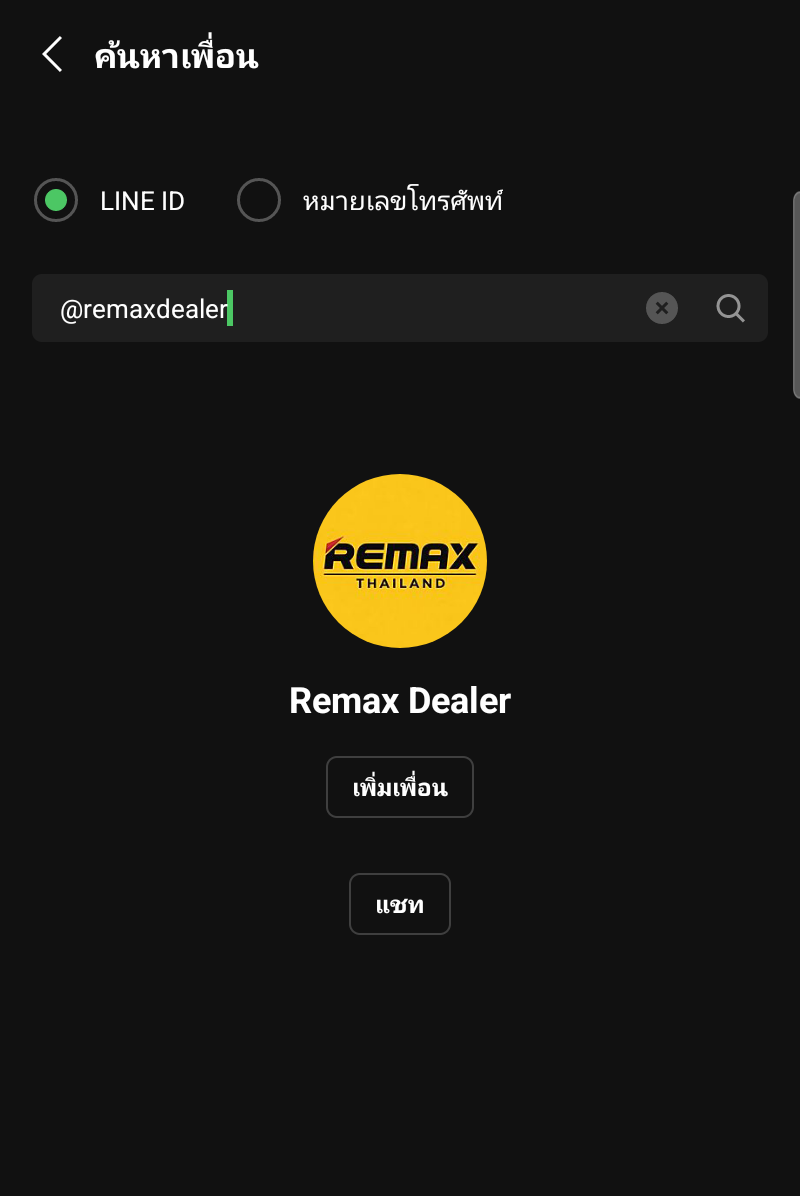
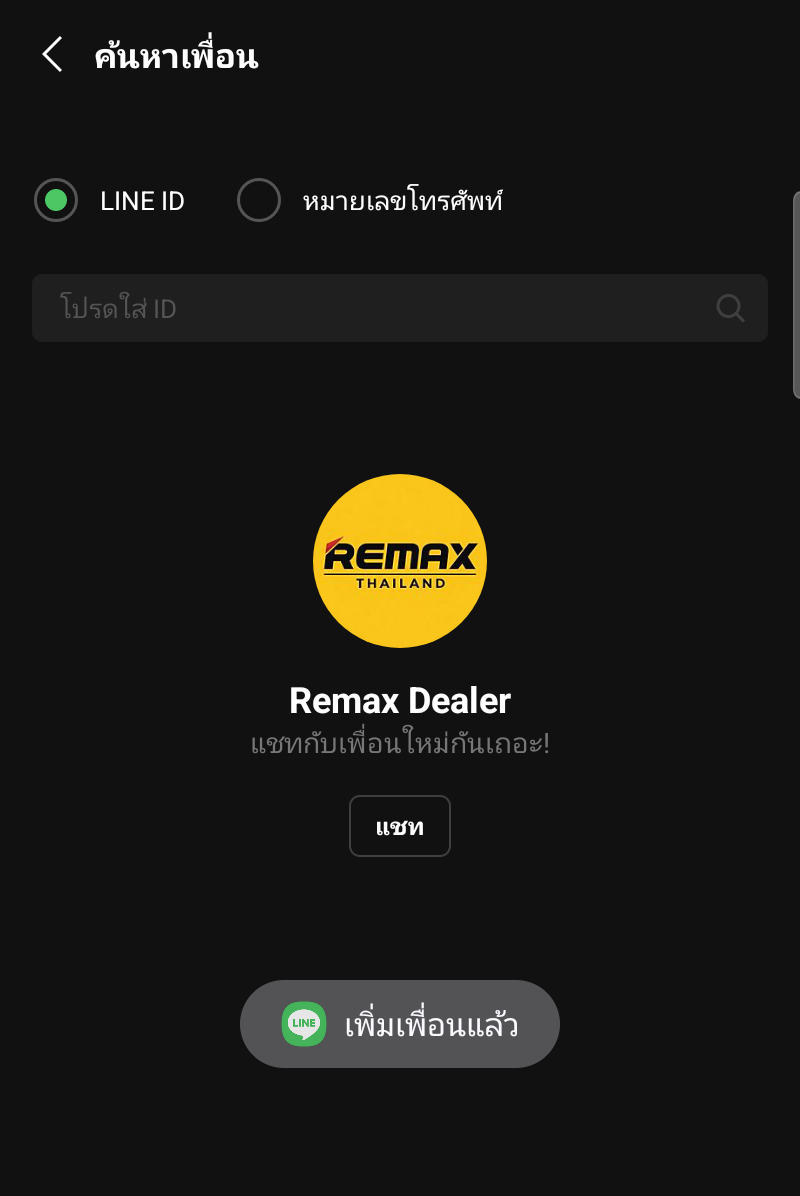
Step 3: Friend Added
The screen will show "Added" — tap "Chat" to start
Register as a Salesperson
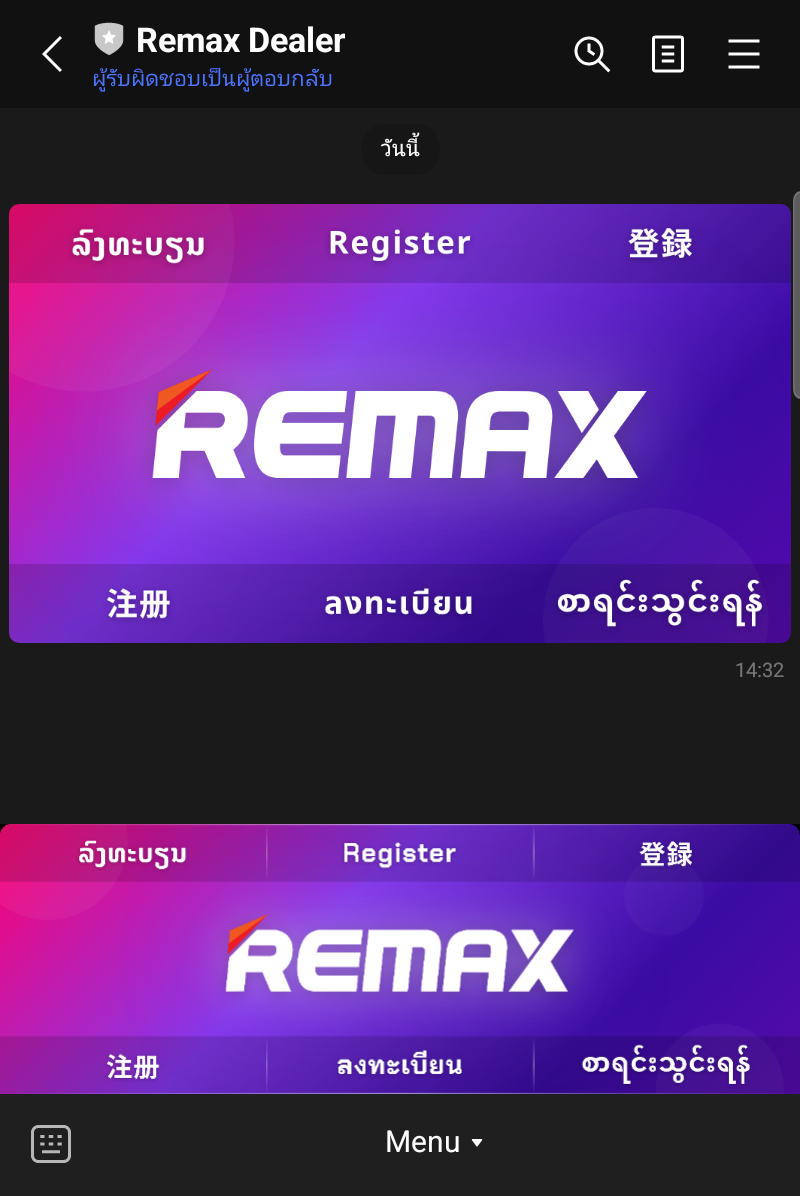
Step 1: Open Chat
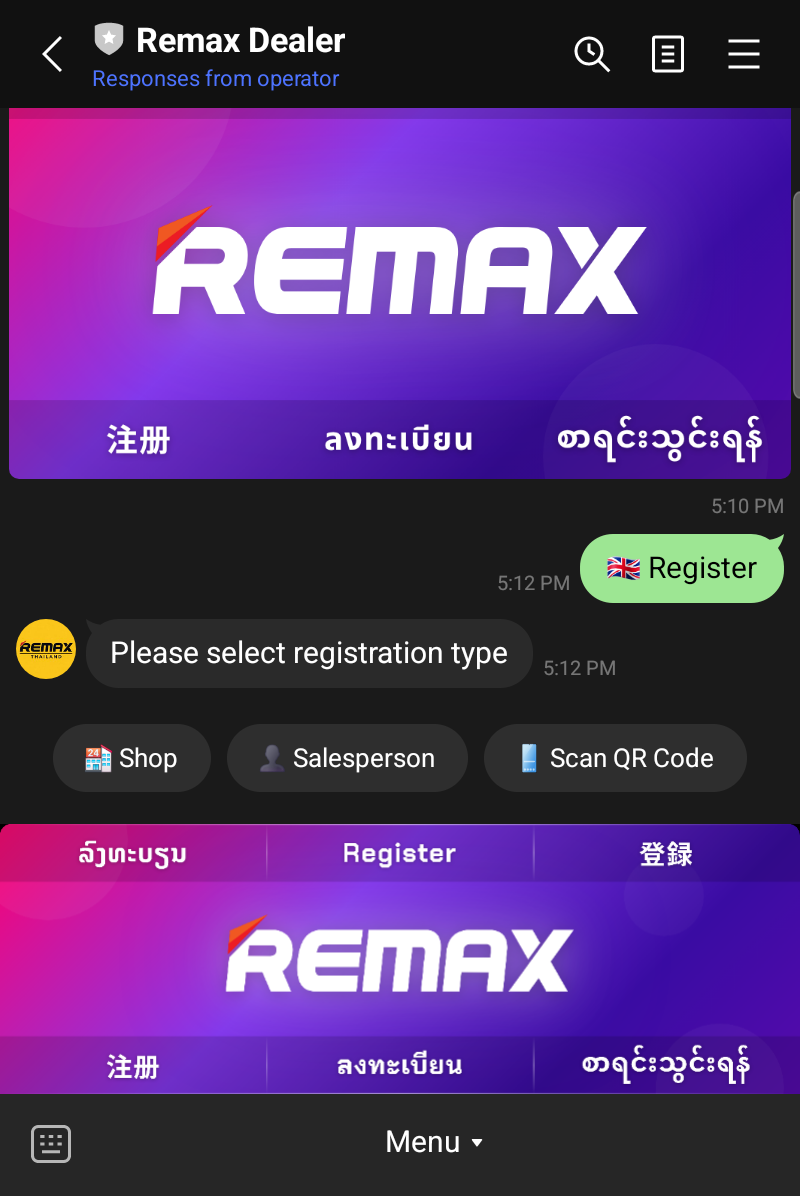
Open the Remax Dealer chat to see the Welcome Imagemap with registration buttons in multiple languages — tap "Register" (English)
Step 2: Select Registration Type
The system will show 3 options:
- 🏪 Shop — Register as a shop
- 👤 Salesperson — Register as a salesperson
- 📱 Scan QR Code — Scan a QR code from your manager
Tap "👤 Salesperson"
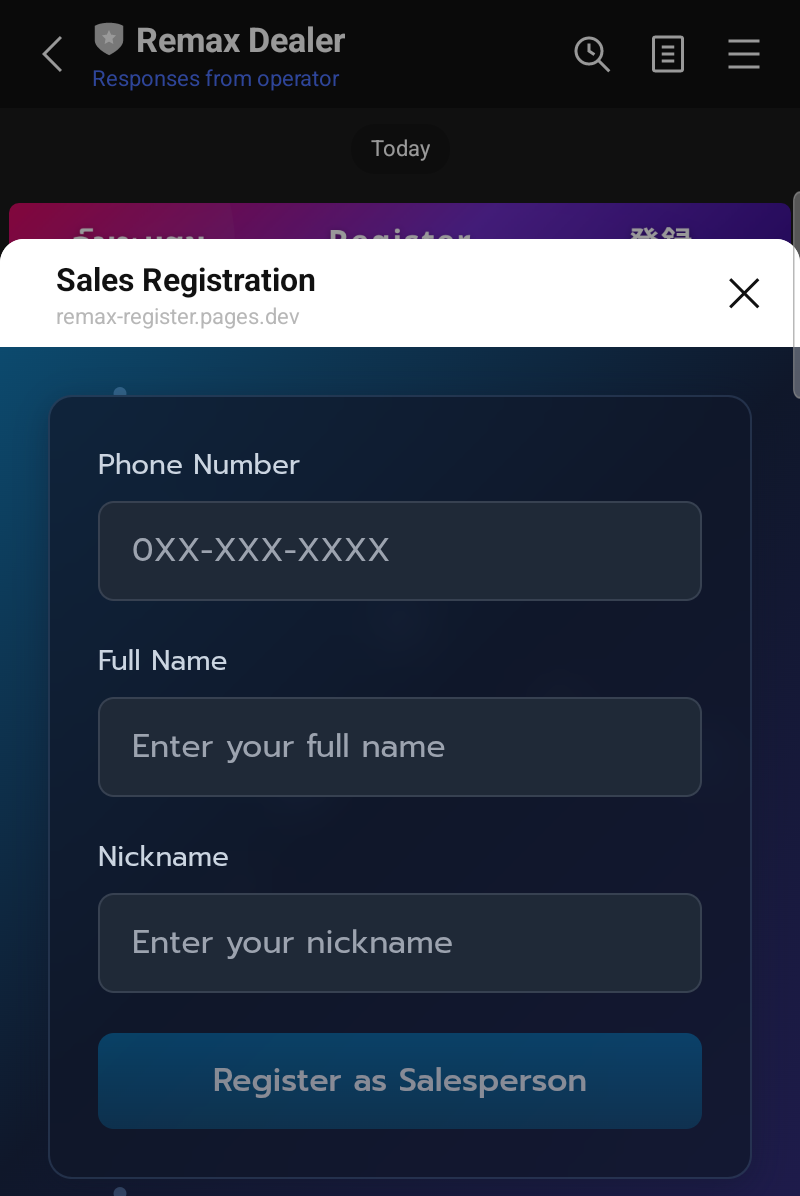
Step 3: Fill in Information
The registration form will open. Fill in all fields:
- Phone Number — Format: 0XX-XXX-XXXX
- Full Name — Your real name for use in the system
- Nickname — Display name in the system
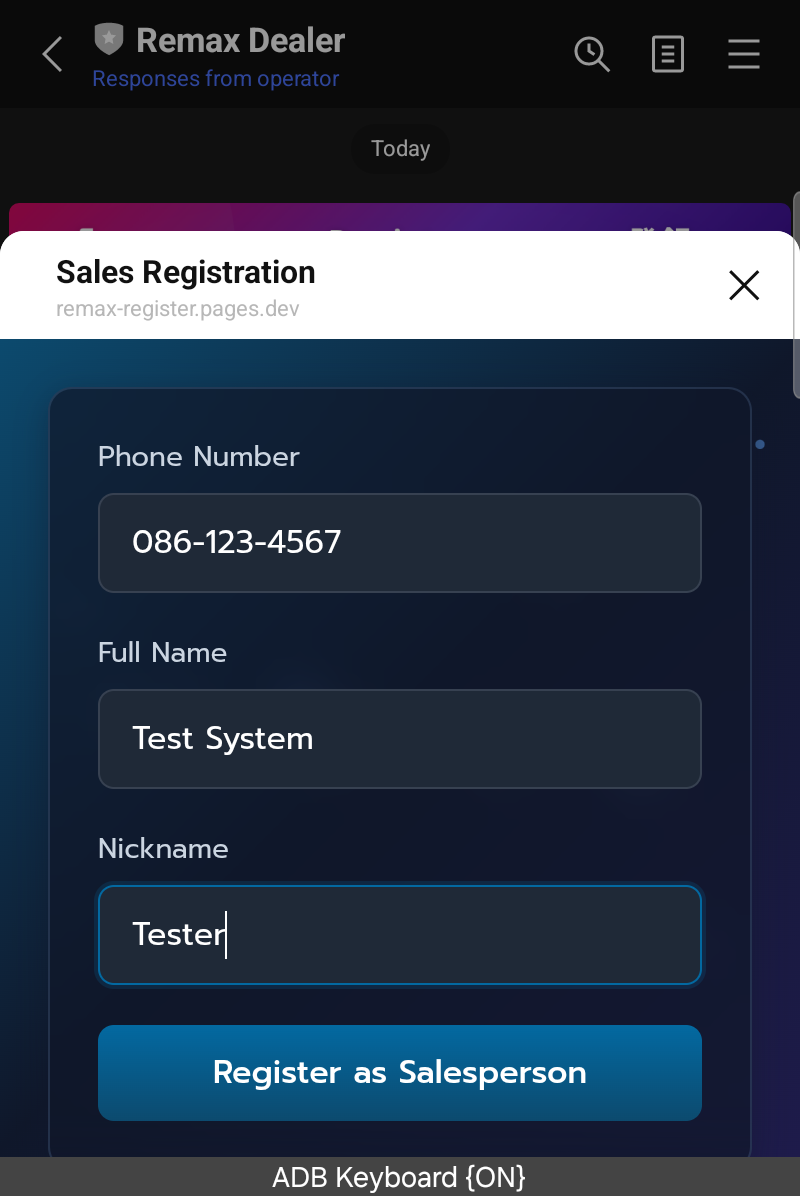
Example of a completed form:
Step 4: Submit
Tap "Register as Salesperson" to submit.
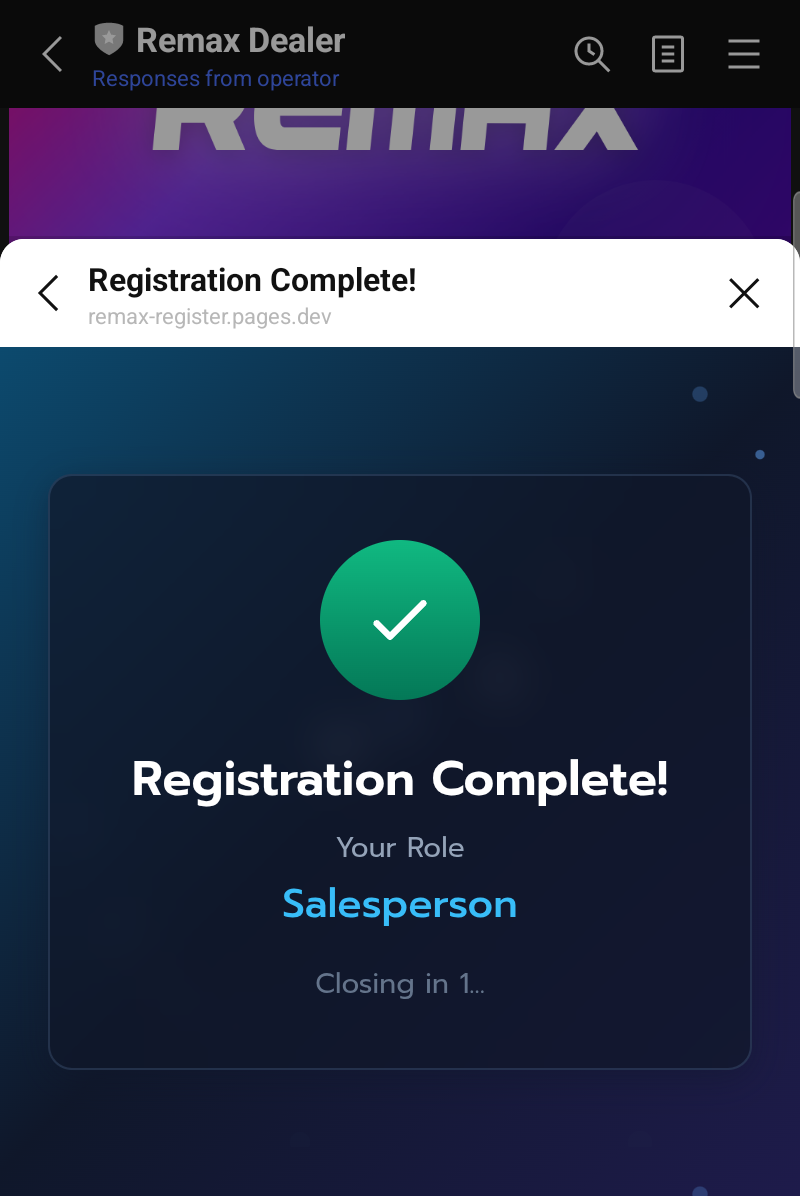
When successful, the screen will show "Registration Complete!" and close automatically.
Back in the chat, you will see a confirmation message:
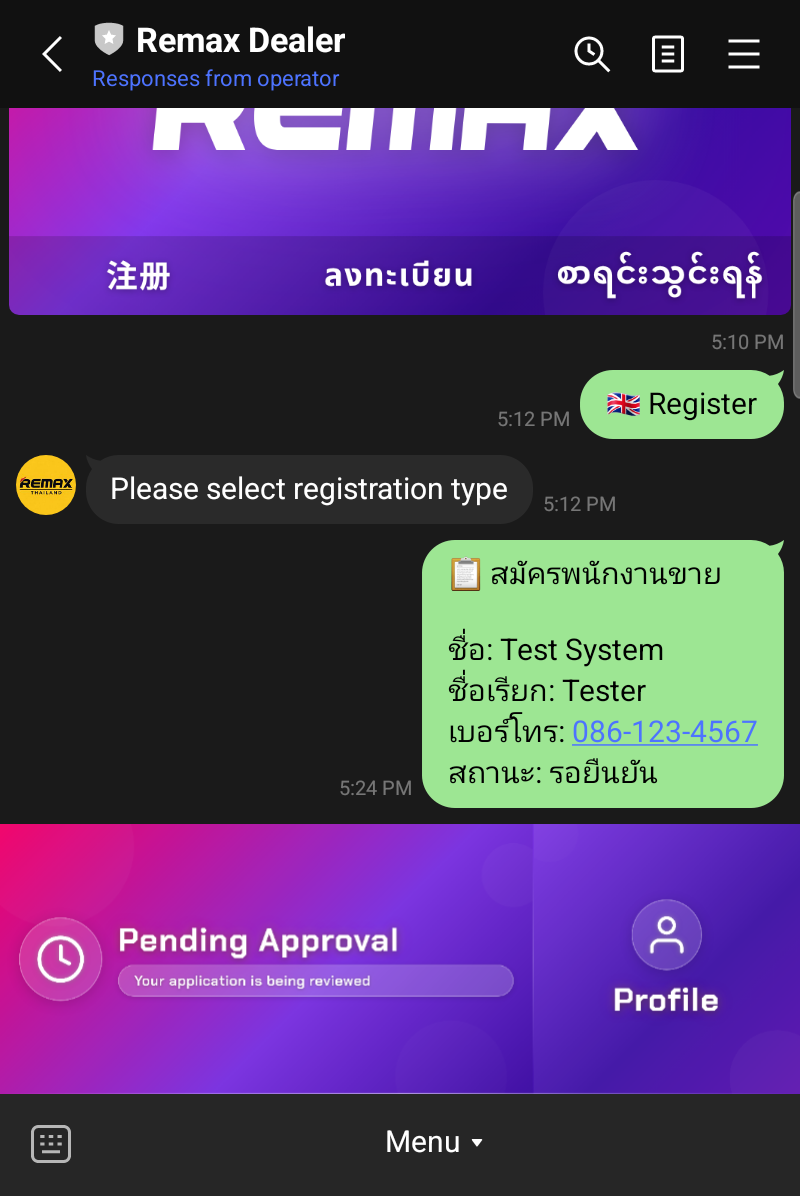
The confirmation shows:
- Full name
- Nickname
- Phone number
- Status: Pending Approval
Step 5: Wait for Approval
After registration:
- The system will automatically notify your team manager
- The manager will review and approve or reject
- You will receive the result via LINE
While waiting for approval, the Rich Menu will change to "Pending Approval" — you cannot use the system features until your manager approves.
FAQ
Cannot register?
- Make sure you opened the link via LINE (not an external browser)
- Make sure you have added Remax Dealer as a friend
- Try closing and reopening the LINE app
How long does approval take?
- It depends on the team manager — usually within 1 business day
Phone number already in use?
- The system does not allow duplicate phone numbers — check that your number is correct